
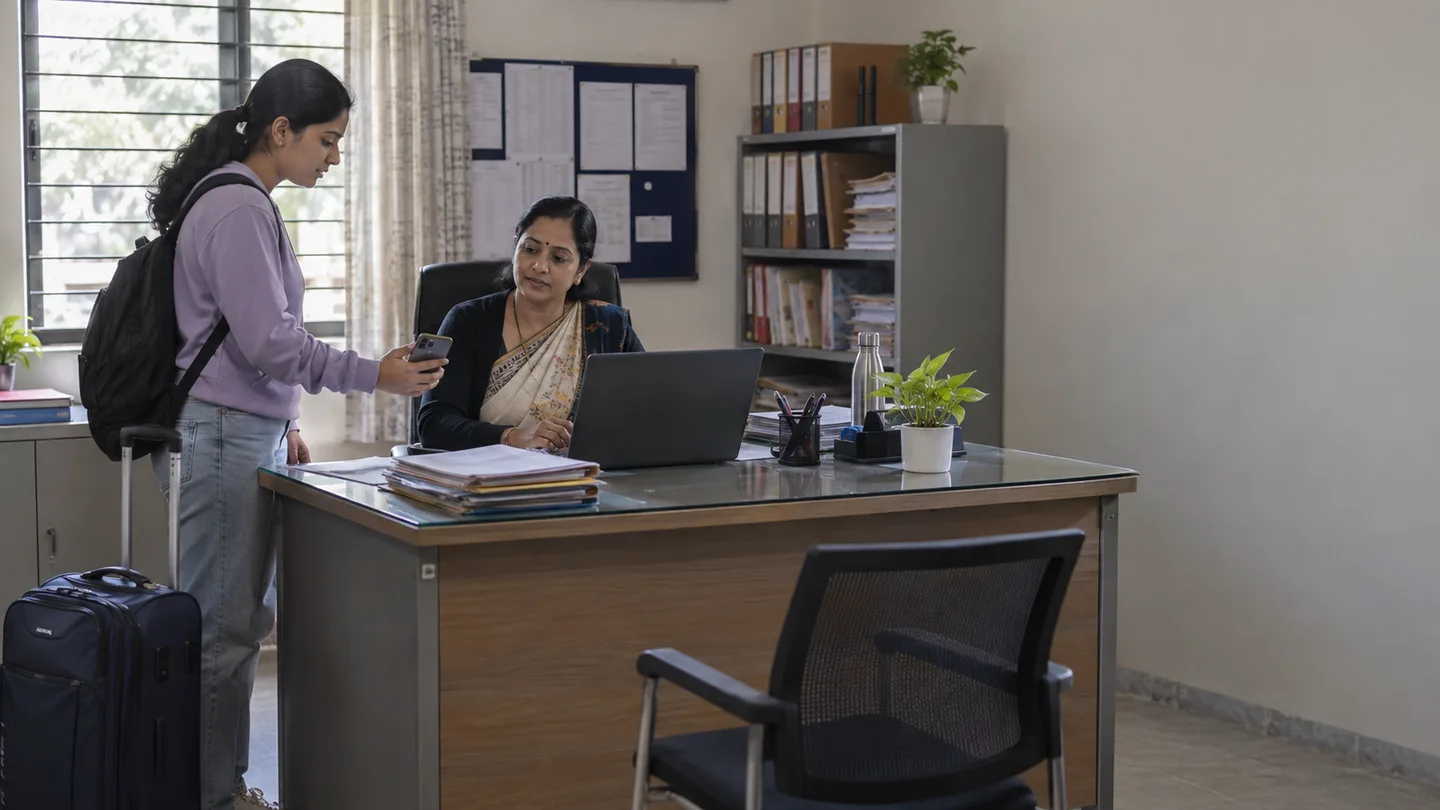
A leave request is not complete when someone approves it on a phone. The decision must reach the teams who act on it, including hostel and main-gate security. Without a shared record, students repeat explanations and wardens spend the evening reconciling messages with registers.
What matters for your campus
- Make approval authority and permission categories explicit.
- Give security the current status relevant to the gate.
- Keep approved leave, late entry and unexplained absence distinct.
Picture this on your campus
At 9:30 PM, the hostel team reviews residents who have not reported. Some are on approved leave and others have approved late entry. Those groups stay separate from unexplained absence, allowing follow-up to focus on the students whose status needs attention.
Illustrative scenarioDefine the permission categories first
Leave, day-out and late-night entry serve different campus needs. Decide the information required for each, the approval authority and any parent involvement. Explain the policy to students before they submit a request.
FretBox supports these requests and the associated parent and warden approvals. The workflow should reflect the institution’s rules rather than forcing every campus to use an identical approval sequence.
Give every decision an operational handover
When a request is approved or declined, the student needs an update. The relevant staff need the decision in a form they can use. A gate user should not have to search a warden’s personal chat to determine whether a permission exists.
Identify what hostel security and main-gate security each need to see. These may be separate teams with different responsibilities. Limit the visible information to the work at hand and agree how staff verify a permission against the student’s identity.
Connect the permission with the actual movement
An approved request describes an intended movement; an entry or exit record describes what happened. Both are useful, and neither should be mistaken for the other. Review departures, returns and changes through the agreed university process.
FretBox supports campus movement workflows with access devices and permissions. Before deployment, inspect the exact setup you intend to use, including device connections and any manual fallback. A demonstration of a gate animation is not a substitute for an agreed operating procedure.
Make the night review actionable
At the hostel reporting time, separate residents in the hostel, approved leave, approved late entry and those needing follow-up. Avoid a single absent count that treats all of these states alike. Wardens and security need enough context to decide the next action.
Assign the follow-up responsibility and a route to update the record after contact. Do not assume a movement record can establish a student’s complete whereabouts or replace the university’s emergency procedures. It supplies operational evidence for the team’s decision.
Protect the information behind the status
Movement and permission records relate to individual students. Review access for wardens, security, parent-related workflows and institutional oversight. Data visibility should follow authorised responsibilities, not the convenience of sharing a whole list with every group.
Start testing with a normal leave request, a rejected request, approved late entry and an unresolved absence. If every team can explain what it sees and what it should do next, the workflow is ready for a more meaningful campus pilot.
- Approve categories, rules and decision-makers.
- Test parent and warden updates.
- Inspect hostel and main-gate views separately.
- Rehearse the 9:30 PM status review.
- Define follow-up, exception handling and access reviews.